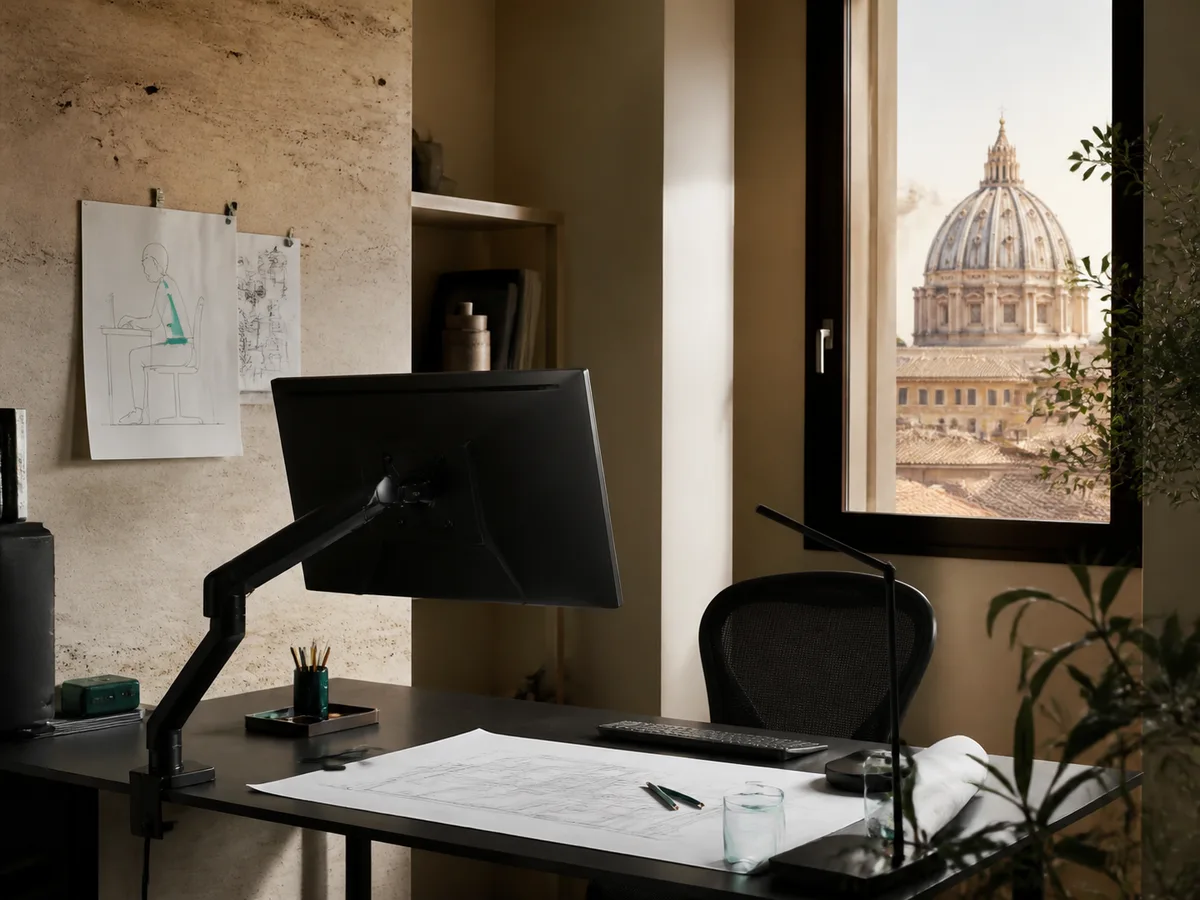
Ergonomic posture analysis in a compact Italian home office
Live desk analysis

01 / Desk posture diagnostic

Measure Your
Desk Comfort

Five quick observations reveal where your setup supports you—and where one considered adjustment can make the workday feel lighter.

0/100

Desk comfort score

Baseline needed

Begin with the screen: an adjustable monitor arm creates the clearest first improvement.

02 / Problem-to-product matrix

Trace discomfort to
one useful change.

Choose any intersection. Our matrix explains the relationship—not just the product—so you can act on the cause rather than decorate the symptom.

Select a cell
01Monitor arm€79
02Laptop stand€49
03Vertical mouse€39
04Wrist rest€24
Neck bend
Wrist twist
Small desk
Shoulder reach

03 / Ergonomic day timeline

Your posture is
not a fixed position.

Follow six common fatigue moments from first login to evening reset. Select a time to inspect the intervention.

Morning desk posture alignment01 — 06

09:00 / Morning alignment

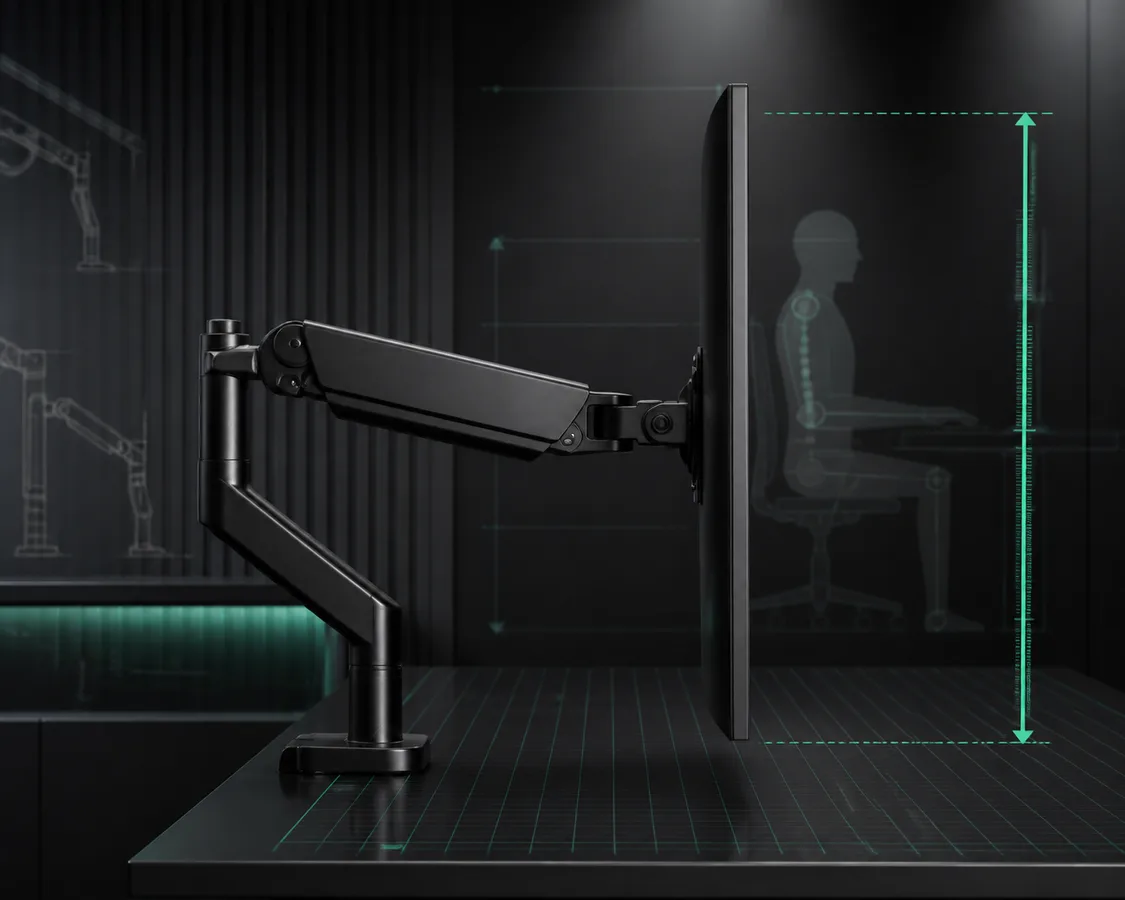
Start with the horizon.

Before email takes over, align the screen’s top edge with your resting sightline. A monitor arm creates height without stacked books, frees the surface below, and lets the display move between focused work and shared calls while your neck remains comfortably neutral all morning long.

InterventionLinea Monitor Arm · €79
04 / Lab-tested accessories

Measured in movement,
not marketing.

Four physical outcomes, documented as working ranges. Each instrument is considered for compact Italian rooms and long hybrid schedules.

Monitor arm height range laboratory testTEST / H—28

Height range

28 cm

From seated focus to standing review, the arm holds its position without tools.

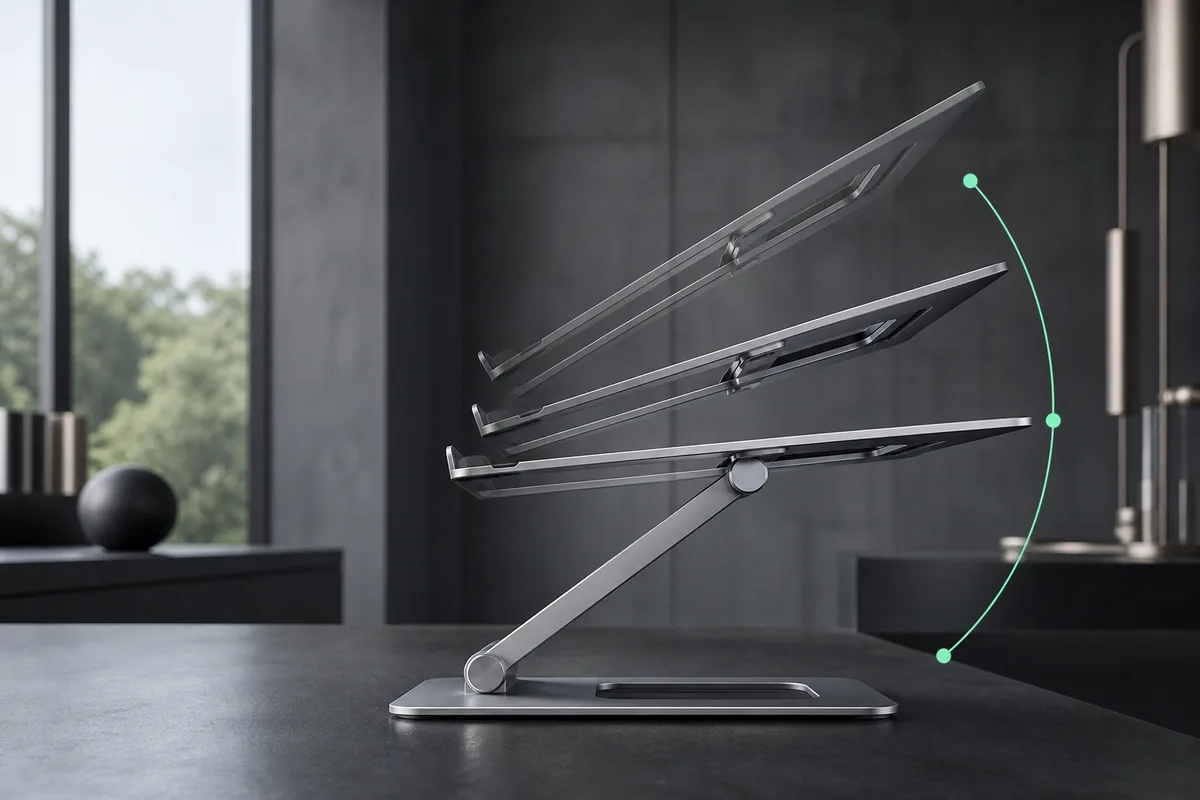
Laptop stand angle adjustment testTEST / A—06

Angle adjustment

6 stops

Six stable positions tune keyboard access, camera height, and reflected light.

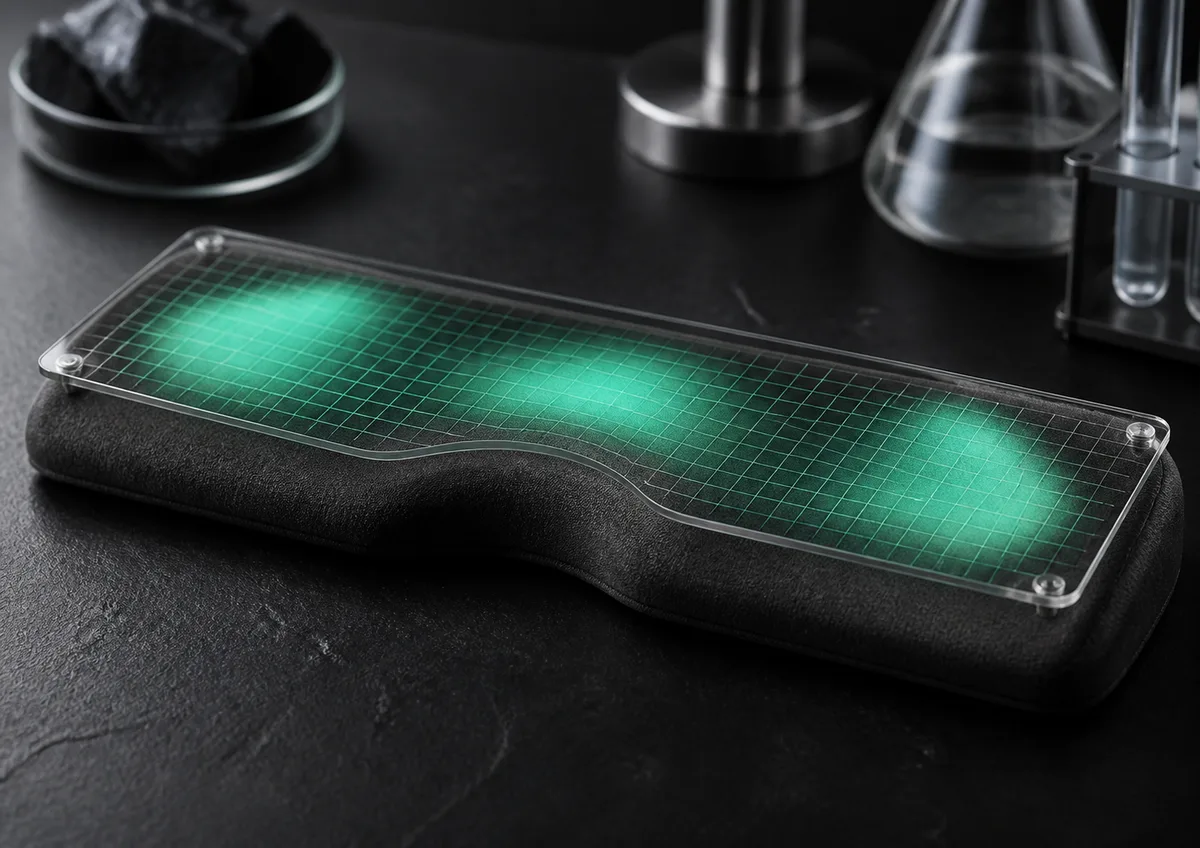
Wrist rest pressure relief testTEST / P—34

Pressure relief

34%

Contoured foam spreads contact beneath the palm without lifting the wrist sharply.

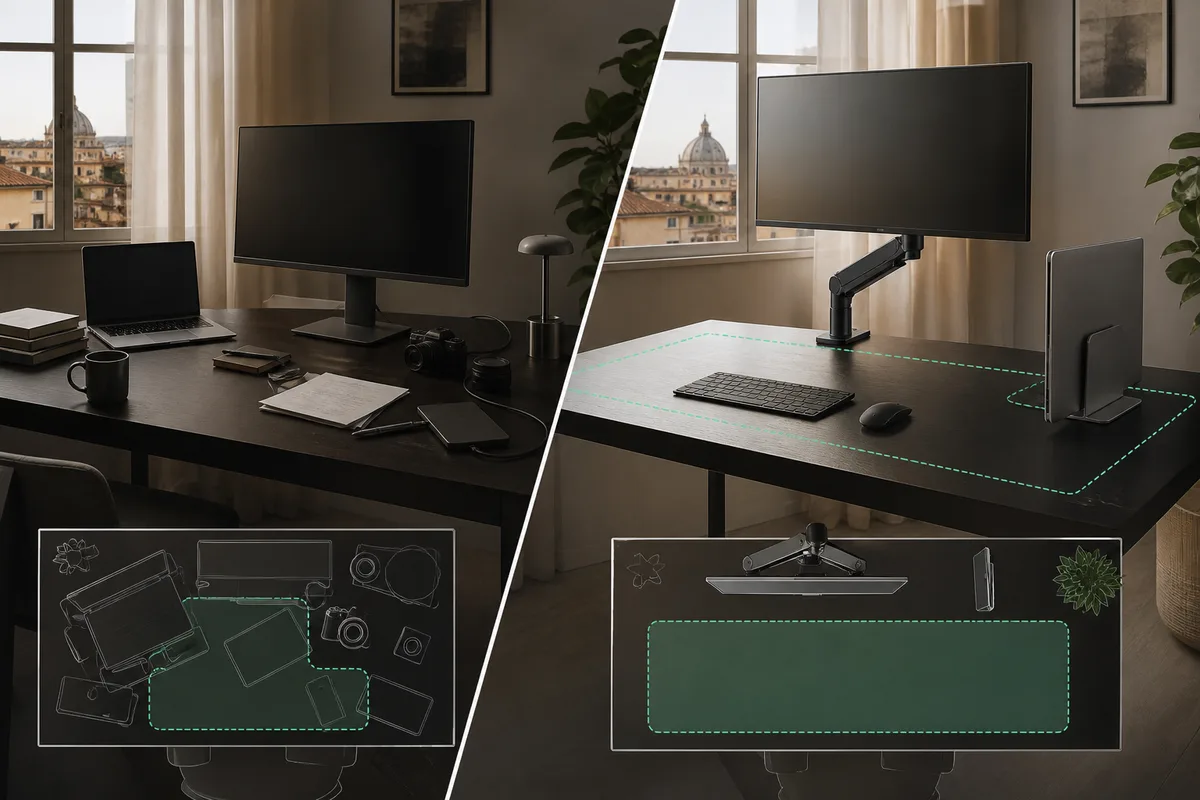
Desk space saved laboratory studyTEST / S—31

Desk space saved

31%

Lifting screens and laptops returns a practical zone for writing and sketching.

05 / Field guide

Reading time
04 min.
Reviewed
June 2026

How to Reduce Neck and Wrist Strain at Your Desk

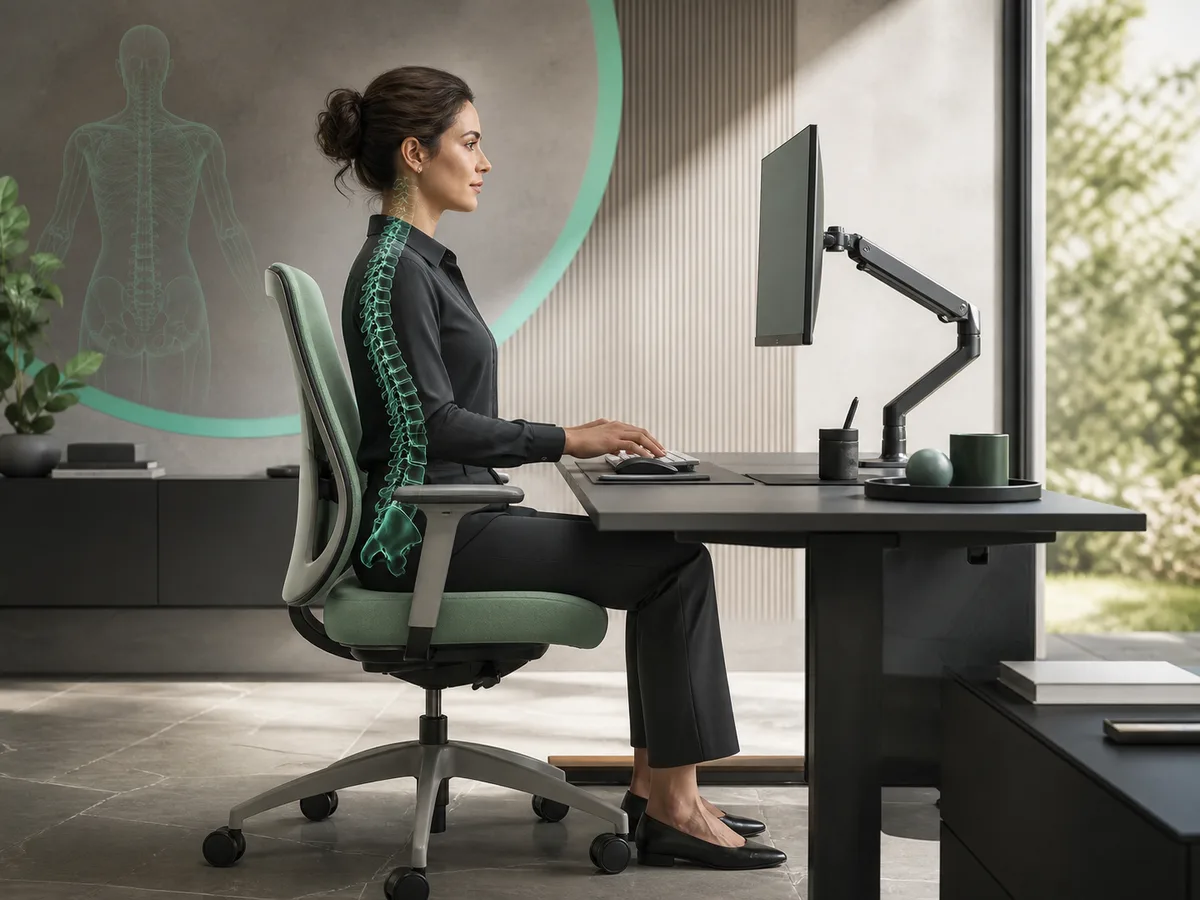
Comfort grows from alignment, variation, and recovery—not from holding a perfect pose. Use these five steps to give your body options.

  1. 01

    Bring the work toward you

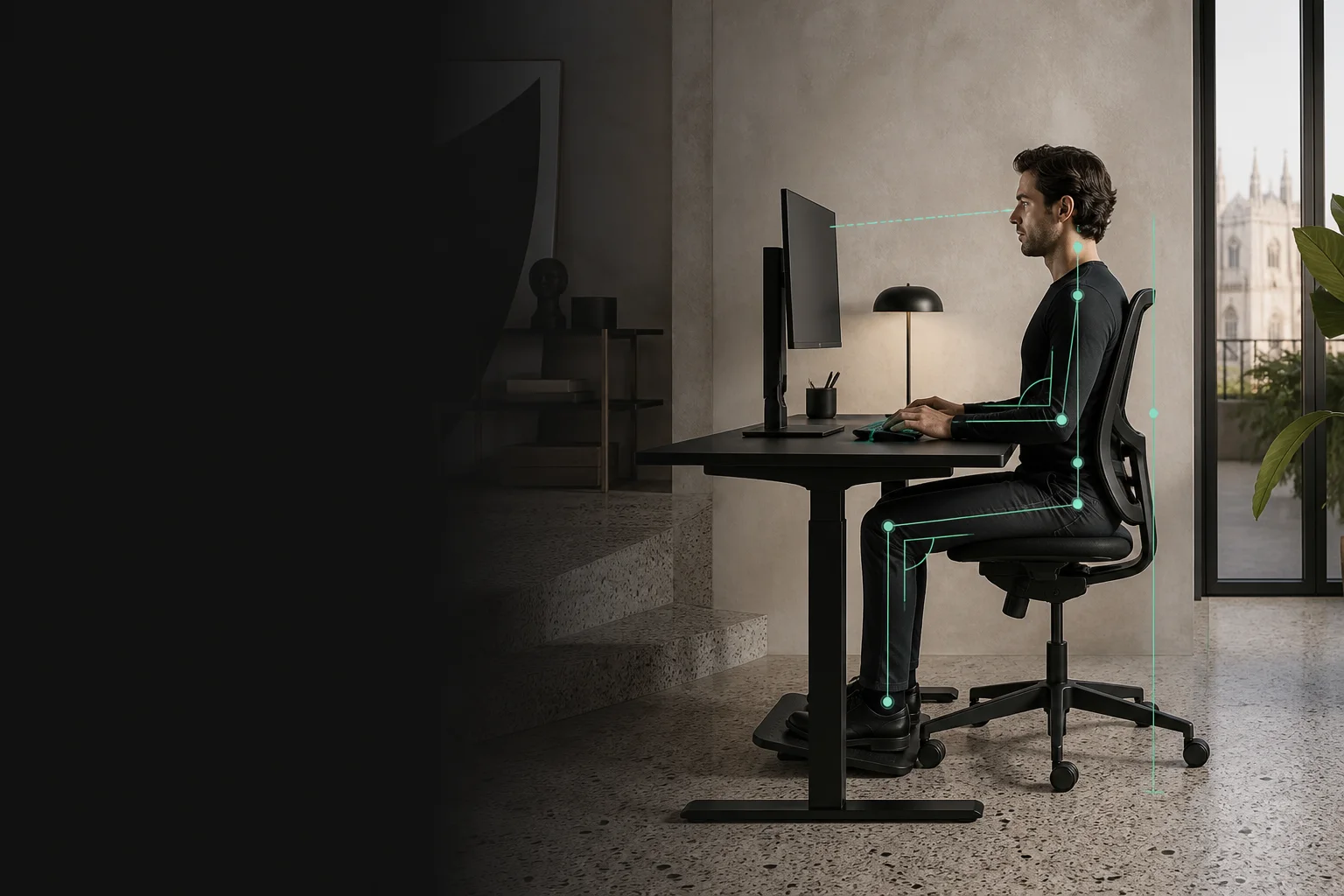
    Place the screen directly ahead, with its top edge near eye level and roughly an arm’s length away. Raise a laptop on a stable stand and pair it with an external keyboard. This prevents the familiar cycle of leaning forward, lifting the chin, and rounding the upper back during focused tasks.

  2. 02

    Let elbows fall naturally

    Set the chair and desk so elbows rest close to ninety degrees, without shrugging. Keep frequently used tools inside the arc of your forearms. A vertical mouse can reduce inward forearm rotation, but place it close enough that the shoulder does not reach for every click.

  3. 03

    Keep wrists quiet

    Type with hands continuing the line of the forearm. Avoid planting wrists while pressing keys; use a soft rest beneath the palms during pauses instead. Choose a low keyboard angle and light touch. Small position changes matter more than forcing a rigid, textbook shape for hours.

  4. 04

    Support from the floor

    Feet should meet the floor or a stable footrest. That contact supports the pelvis, making upright sitting easier without muscular effort. Leave room behind the knees and vary the footrest angle. If the seat edge presses into the thighs, lower it or add support.

  5. 05

    Schedule movement, not perfection

    Every thirty to forty-five minutes, look into the distance, open the hands, and change position. Stand for a call, shift the screen, or walk briefly. Persistent pain, weakness, tingling, or numbness deserves professional medical advice; accessories support healthy habits but do not diagnose or treat conditions.

06 / Anonymous desk audits

Three desks.
Measured change.

Real constraints, anonymised details, and practical adjustments—recorded as scores rather than star ratings.

Architect desk audit in RomeROME / 01

Architect in Rome

78 × 160 cm desk
Before42
After86
Problem
Forward neck lean over drawings
Fix
Monitor arm + adjustable desk lamp

Large plans pushed the keyboard backward, so the architect leaned toward a low display for hours. We moved the screen onto an articulated arm, leaving its original footprint open for drawings, then angled a glare-free lamp across the paper. The monitor now travels between drafting and review positions. Neck effort eased, the desk gained a clear central zone, and evening detail work feels visibly calmer during late client revisions daily.

Student desk audit in TurinTURIN / 02

Student in Turin

55 × 90 cm desk
Before36
After79
Problem
Low laptop and unsupported feet
Fix
Laptop stand + compact footrest

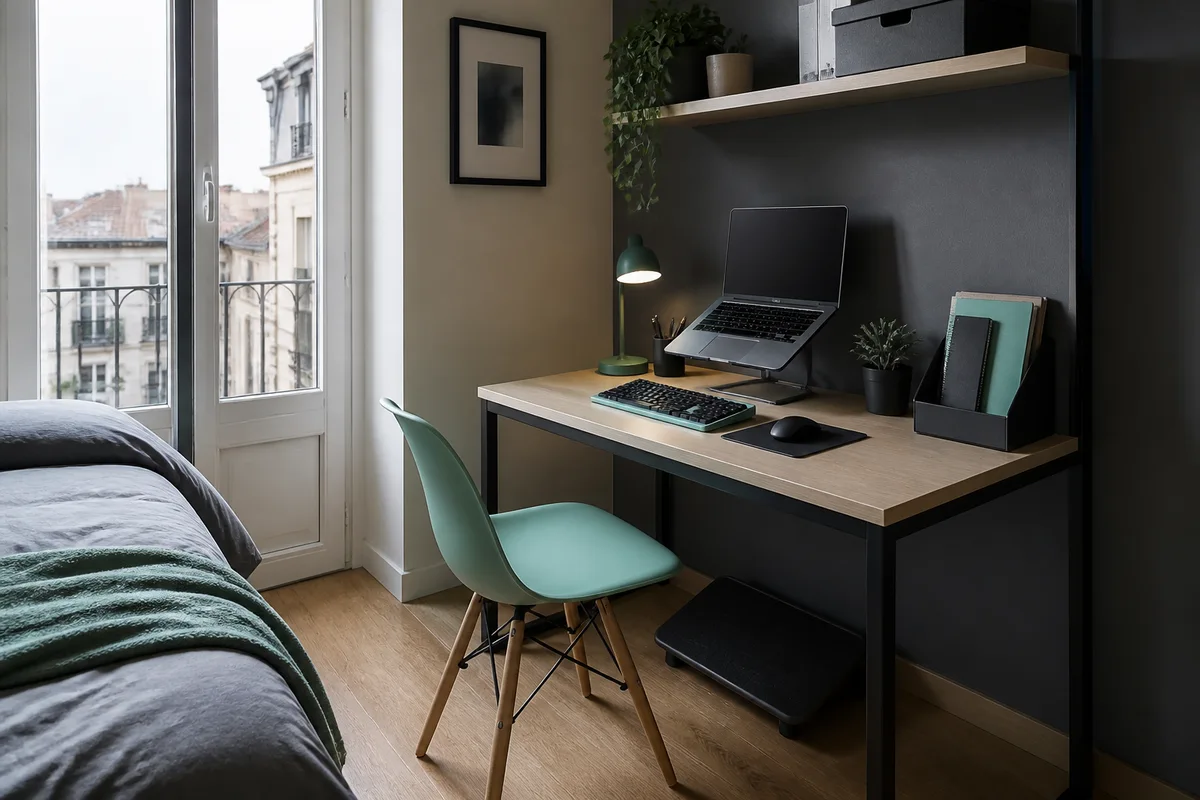
A narrow bedroom desk made the laptop feel unavoidable: low screen, crowded notes, and shoulders folding inward during lectures. A slim stand raised the camera and opened storage beneath, while a compact footrest supported legs that did not reach the floor comfortably. With a separate keyboard kept near the edge, reading and typing became distinct zones. The setup remains small, but no longer asks the body to shrink each day.

Developer desk audit in MilanMILAN / 03

Developer in Milan

70 × 140 cm desk
Before51
After91
Problem
Mouse reach and cable resistance
Fix
Vertical mouse + routed monitor arms

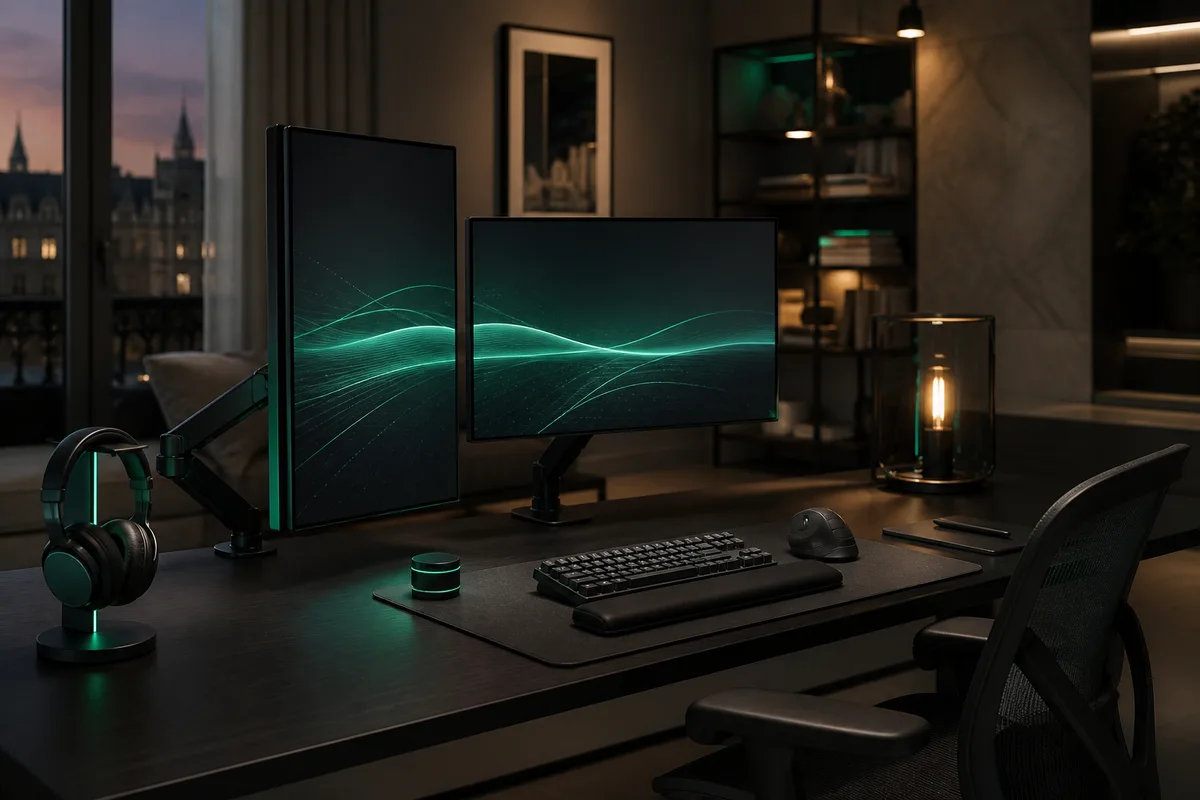
Two monitors occupied most of the surface, forcing the mouse beyond a comfortable shoulder arc. Cables also tugged whenever positions changed. Dual arms lifted both screens and routed each lead behind the desk, while a vertical mouse moved beside the compact keyboard. The developer can now alternate seated and standing work without rebuilding the setup. Reduced reach, neutral rotation, and clear movement produced the audit’s strongest improvement across longer sessions.

A calmer desk starts with one measurement.

Adjust the space.
Keep the work yours.

Run the diagnostic again

Saved.